


How to protect your devices from malware and phishing attacks
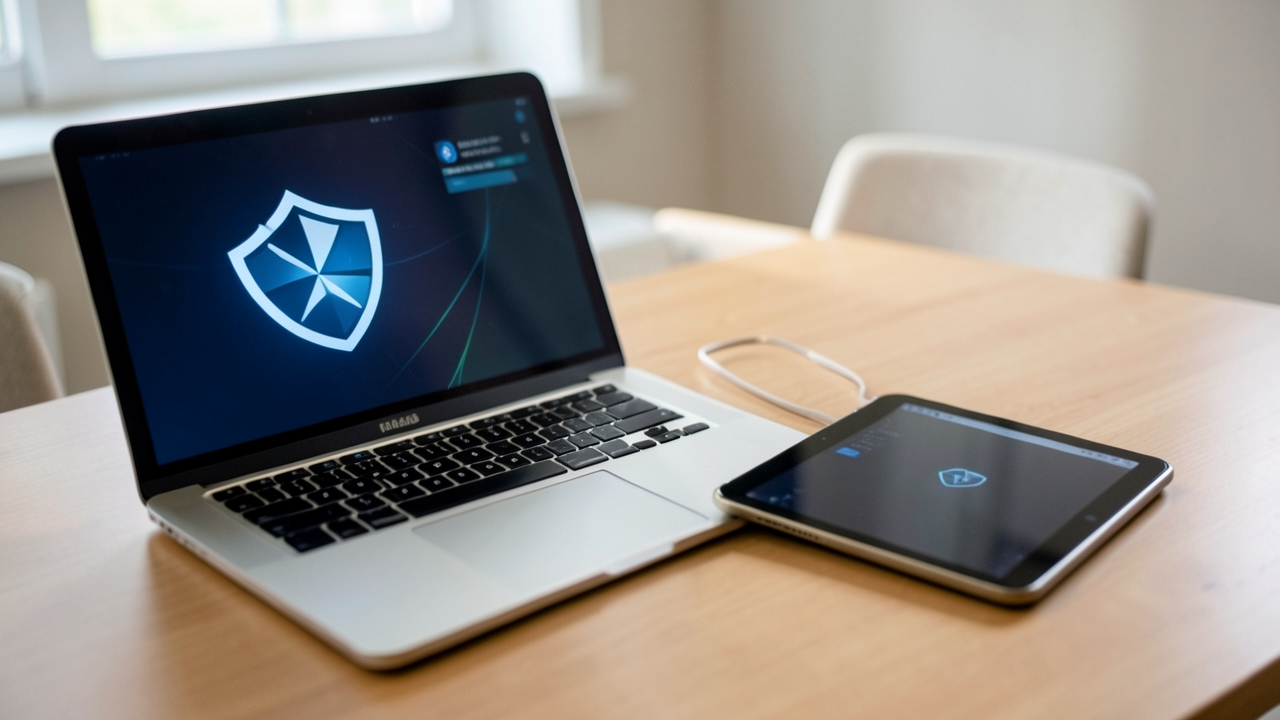
Protecting your devices from malware and phishing attacks is no longer a specialist task reserved for IT teams. I treat it as a daily habit, because a single careless click can expose personal data, financial accounts, and even work credentials. The good news is that strong malware protection and practical phishing prevention do not require complicated tools or expert-level knowledge. With a few disciplined settings and routines, you can dramatically reduce your risk.
Understanding the Threat Landscape
Malware and phishing often work together. A phishing email or fake website can trick me into installing malicious software, while malware can later harvest passwords, monitor activity, or lock files for ransom. These attacks target phones, laptops, tablets, and even smart home devices. That means device security tips should cover every screen you use, not just your computer.
What Malware Usually Does
Malware comes in many forms: spyware, ransomware, trojans, adware, and keyloggers. Some types are designed to stay hidden and quietly collect data. Others are aggressive and obvious, such as ransomware that blocks access to files until a payment is made. I assume any strange slowdown, unexpected pop-up, or app behavior may be a warning sign.
How Phishing Tricks You
Phishing relies on urgency and trust. A message may claim your bank account is locked, a delivery failed, or a password must be reset immediately. The goal is to push you into acting before you think. I always check the sender, the links, and the tone of the message before I do anything else.
Build Strong Malware Protection
The foundation of device security is layered defense. I do not rely on a single tool, because one control alone will not stop every threat.
Keep Your Software Updated
Software updates patch security flaws that attackers actively look for. I update the operating system, browsers, apps, and device firmware as soon as reliable updates are available. Automatic updates are one of the simplest and best malware protection measures you can enable.
Use Trusted Security Software
A reputable antivirus or endpoint protection tool can detect suspicious files and behaviors before they cause damage. I make sure real-time protection is turned on, and I review scan schedules regularly. If you use a work device, check whether your company already provides security software so you do not duplicate or conflict with it.
Limit App Installation
I only install apps from official stores or trusted vendors. Sideloading apps from random websites creates unnecessary exposure. I also review app permissions carefully. If a flashlight app wants access to contacts, microphone, and location, that is a warning sign.
Practice Phishing Prevention Every Day
Phishing prevention works best when it becomes a reflex. I slow down, verify, and avoid acting from emotion.
Inspect Messages Before Clicking
Before I click any link, I look closely at the sender address, spelling, formatting, and tone. Attackers often imitate brands with tiny differences in domain names or display text. When in doubt, I open the official website separately instead of using the message link.
Verify Requests Through Another Channel
If a message asks for money, login details, or urgent action, I confirm it through a second channel. For example, I call the company using a known number or check my account directly from a saved bookmark. This simple habit stops many phishing attempts.
Be Careful With Attachments
Attachments can hide malicious code. I avoid opening unexpected files, especially archives, macros, or password-protected documents from unknown senders. Even if a message looks familiar, I confirm before I open anything that I was not expecting.
Strengthen Device Security Settings
Secure settings turn a good device into a harder target. I usually review these after setting up a new phone or laptop.
Use Strong Authentication
I prefer multi-factor authentication wherever possible. A password alone can be stolen, but an additional code, app prompt, or security key adds a major barrier. I also use a password manager so I can create unique passwords for every account.
Lock Screens and Encrypt Data
I set short screen-lock timers and use a PIN, passcode, or biometric unlock. On laptops and phones, I enable full-disk encryption so files remain protected if the device is lost or stolen. That way, physical access does not automatically become data access.
Review Browser and Email Protections
Browsers and email apps can block many attacks if configured well. I keep pop-up blockers on, disable automatic downloads, and turn on spam and phishing filters. I also review saved passwords in the browser and remove anything I no longer need.
Create Safe Habits for Networks and Backups
Threats do not only arrive through files and messages. Public networks and weak backup practices can make a bad situation worse.
Be Cautious on Public Wi-Fi
I avoid sensitive logins on open Wi-Fi unless I use a trusted VPN or a secure mobile connection. Public networks can be monitored or spoofed. If I must work in a café or airport, I limit what I access and disconnect when I finish.
Back Up Regularly
Backups are my recovery plan if malware encrypts or deletes data. I use at least one backup that is offline or isolated from my main device. That way, ransomware cannot easily reach everything at once. I also test restores occasionally so I know the backup really works.
Build a Personal Security Routine
Security works best when it is routine rather than reactive. I recommend a short weekly check:
- Review app and system updates
- Run a security scan
- Check account activity for unusual logins
- Delete suspicious emails and texts
- Confirm backup status
- Revisit saved passwords and MFA settings
These small steps make device security tips practical instead of theoretical.
A Safer Way to Use Your Devices
I think of cybersecurity as a set of habits, not a one-time project. Malware protection depends on updated software, cautious app choices, and reliable security tools. Phishing prevention depends on skepticism, verification, and a willingness to pause before clicking. When you combine those habits with strong authentication, encryption, and backups, your devices become far harder to compromise.
If you start with just three actions today, I would choose these: turn on automatic updates, enable multi-factor authentication, and review any suspicious messages before opening links. Those three steps alone can meaningfully improve your security posture and protect your data across the devices you use every day.