


How to choose the right scanner for home and office use
Choosing the right scanner for home and office use can save you time, reduce frustration, and improve how you handle paper documents every day. I have found that many people buy a scanner based on price alone, only to discover later that the device is too slow, too bulky, or missing the features they need. If you want a best scanner for home office setup, the right choice depends on how often you scan, what kinds of documents you handle, and how much space you have available.
Start with your actual scanning needs
Before comparing models, I always recommend thinking about the way you will use the scanner. A home user who scans occasional receipts has very different needs from someone digitizing contracts, invoices, and multi-page reports every week.
Light, occasional use
If you only scan a few pages at a time, a flatbed scanner or a compact all-in-one device may be enough. These are good for:
- Receipts and letters
- Photos
- IDs or cards
- Occasional forms
A simple device can be affordable and easy to set up. If your workload is light, you may not need advanced automation.
Regular home office use
If you scan several documents a day, a dedicated document scanner usually makes more sense. These models are built for speed and paper handling, and they often include automatic document feeders. That makes them much better for a busy desk.
Heavy office workloads
For larger teams or frequent batch scanning, I look for models with strong durability, fast duplex scanning, and good software integration. The right machine should support your workflow without slowing it down.
Understand the main document scanner features
A solid scanner buying guide always comes back to the features that affect performance. Some specifications look impressive on paper but matter less than practical usability.
Automatic document feeder
An automatic document feeder lets you place a stack of pages into the scanner at once. This is one of the most useful features for office work because it saves time and reduces repetitive handling. If you often scan multi-page documents, this feature should be high on your list.
Duplex scanning
Duplex scanning means the scanner can capture both sides of a page in a single pass. For contracts, reports, and forms, this is a major time-saver. I consider it one of the most useful document scanner features for any professional setup.
Scan speed
Speed is usually measured in pages per minute. A high speed is helpful, but only if the scanner also handles paper reliably. In practice, I prefer a scanner that is slightly slower but far more dependable than one that jams often.
Optical resolution
Resolution matters more if you scan photos, artwork, or small text. For standard documents, a mid-range resolution is usually enough. If your main goal is searchable PDFs and readable copies, you do not need the highest resolution available.
Connectivity
Look at how the scanner connects to your computer or network. Common options include:
- USB for direct connection
- Wi-Fi for flexible placement
- Ethernet for shared office use
- Mobile scanning support for phones and tablets
If you plan to share the device across several users, network connectivity can be a real advantage.
Match the scanner type to your space and workflow
The physical design of the scanner matters more than many buyers expect. A device may have strong specs but still be awkward in a small room or crowded office.
Flatbed scanners
Flatbeds are ideal for photos, fragile documents, books, and anything that cannot be fed through rollers. I like them for home use when scanning quality matters more than speed. They do take up more desk space, though.
Sheet-fed document scanners
These are built for fast document handling. They are compact, efficient, and often better suited to office work than flatbeds. If you want the best scanner for home office productivity, this type is often the most practical.
All-in-one printers with scanning
These can be convenient if you want printing, copying, and scanning in one machine. However, the scanning component is often less capable than a dedicated scanner. If scanning is a regular task, I usually prefer a separate device.
Software can matter as much as hardware
A scanner is only as useful as the software that comes with it. Good software can save time, reduce manual cleanup, and make your digital files easier to manage.
OCR and searchable PDFs
OCR, or optical character recognition, turns scanned text into editable and searchable content. This is one of the features I value most in any modern scanner setup. Searchable PDFs make it much easier to find files later.
File organization and cloud support
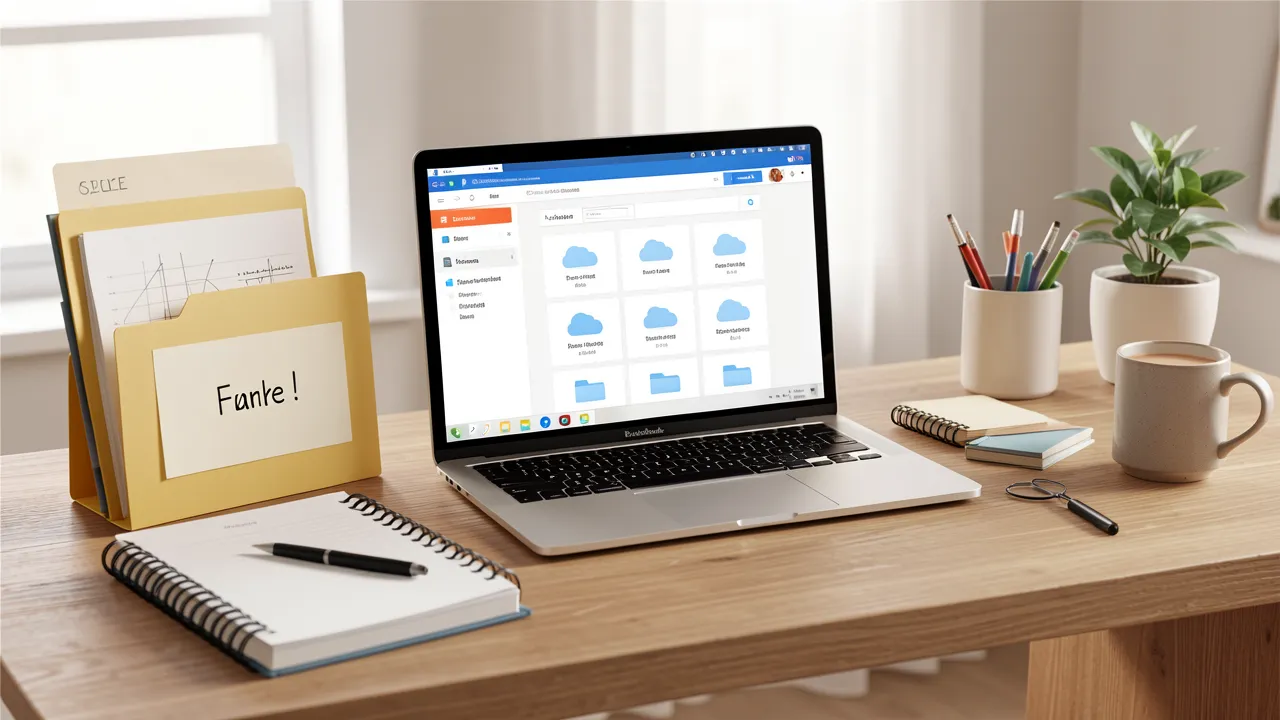
Some scanners let you send files directly to cloud storage, email, or shared folders. That can simplify your workflow, especially if you work across multiple devices. If you like organized digital filing, software integration is worth checking carefully.
Image correction tools
If you scan mixed-quality documents, tools for skew correction, blank-page removal, and color cleanup can make a visible difference. These features can reduce the time you spend editing scans after the fact.
Think about long-term value, not only the purchase price
A low upfront price can be attractive, but I always look at the total value over time. A scanner that jams, requires frequent maintenance, or slows down daily work may end up costing more in lost time.
Durability and duty cycle
The duty cycle tells you how many pages a scanner is designed to handle over a certain period. If you scan often, choose a model that matches your expected workload. A device designed for light home use may struggle in a busy office.
Consumables and maintenance
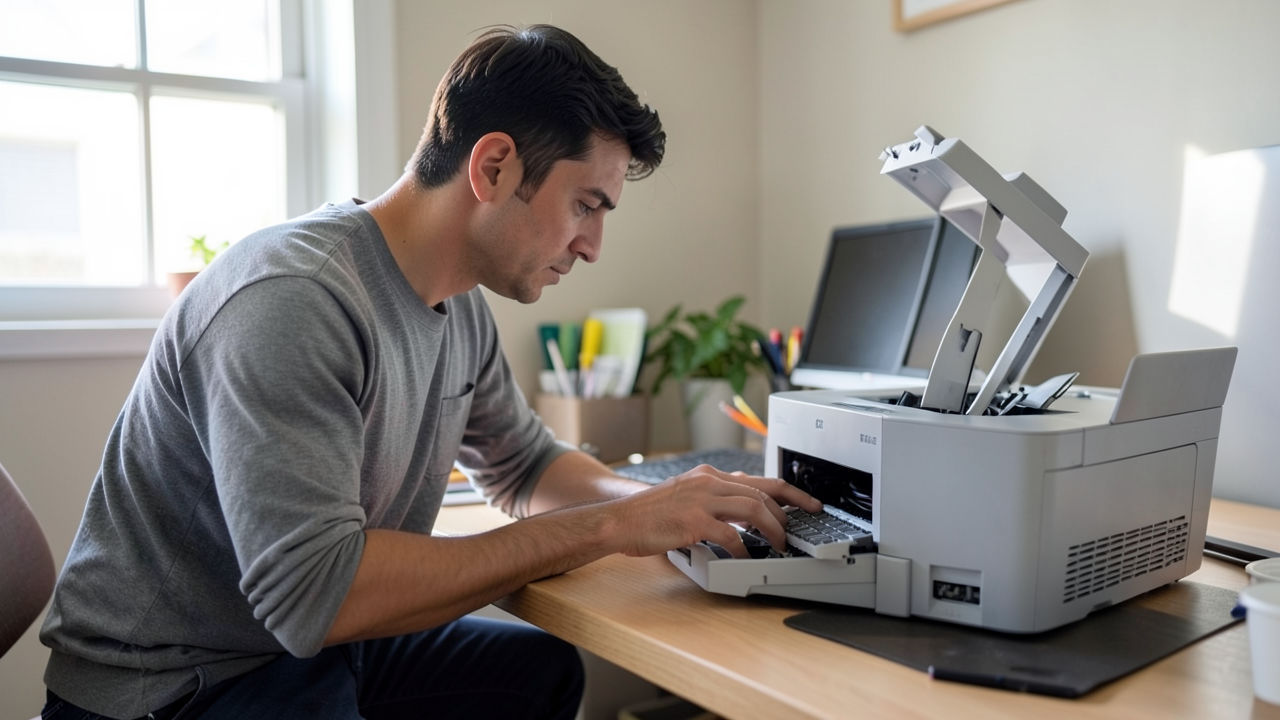
Some scanners need roller replacements or regular cleaning. That does not necessarily make them a bad choice, but you should know what to expect. I also check whether the parts are easy to replace and whether support is available.
Warranty and support
Reliable support can make a big difference if something goes wrong. A good warranty is reassuring, especially for a scanner that will be used daily.
Quick checklist before you buy
Here is the summary I use when comparing models:
- How often will you scan?
- Do you need a flatbed, feeder, or hybrid design?
- Is duplex scanning included?
- Does it support OCR and searchable PDFs?
- Will it connect easily to your computer or network?
- Is the speed suitable for your workload?
- Does the scanner fit your desk or office space?
- What maintenance might be needed over time?
Making the right choice for your setup
If you are choosing a scanner for both home and office use, I recommend focusing on practical document scanner features rather than flashy extras. For light use, a compact flatbed or all-in-one may be enough. For regular document handling, a dedicated sheet-fed scanner with duplex scanning, OCR, and solid software will usually deliver a much better experience.
My rule is simple: buy for the workflow you actually have, not the one you imagine you might have someday. When you match the scanner to your real habits, you get faster filing, cleaner digital records, and far less frustration every time you press scan.