


Best ways to extend phone battery life
Phone battery life has become one of the most practical concerns for mobile users. Whether you rely on your device for work, navigation, messaging, or entertainment, a battery that drains too quickly can interrupt your day and add unnecessary stress. The good news is that many common habits, settings, and charging choices can make a noticeable difference. By adjusting how you use and maintain your phone, you can often gain several extra hours of use without changing your device.
Understand what drains your battery the fastest
Battery drain is not caused by one single factor. Several features compete for power at once, and some have a stronger impact than others. Screen brightness, weak signal, background activity, and location services are among the biggest culprits. If your phone feels hot or loses charge quickly even when idle, one of these areas is often responsible.
Reduce screen demand first
Your display is usually the largest power consumer. Lowering brightness, shortening screen timeout, and using dark mode on OLED screens can help. A slightly dimmer screen often saves more battery than most other small adjustments combined. If your phone offers adaptive brightness, test whether it behaves sensibly in your usual environments; in some cases, manual control works better.
Keep an eye on signal strength
When your phone struggles to connect to a mobile network or Wi-Fi, it works harder to maintain communication and drains faster. This is especially noticeable in basements, rural areas, or crowded buildings. If you often move between weak coverage zones, enabling airplane mode in poor-signal situations may preserve charge. For home connectivity, you may also find useful tips in How to improve Wi-Fi speed and coverage at home, since a stronger connection can reduce repeated reconnection attempts.
Adjust settings that quietly consume power
Many phones ship with convenient features turned on by default. Some of them are useful all the time, while others keep running in the background without adding much value to your daily use. Reviewing these settings can create steady savings.
Limit background activity
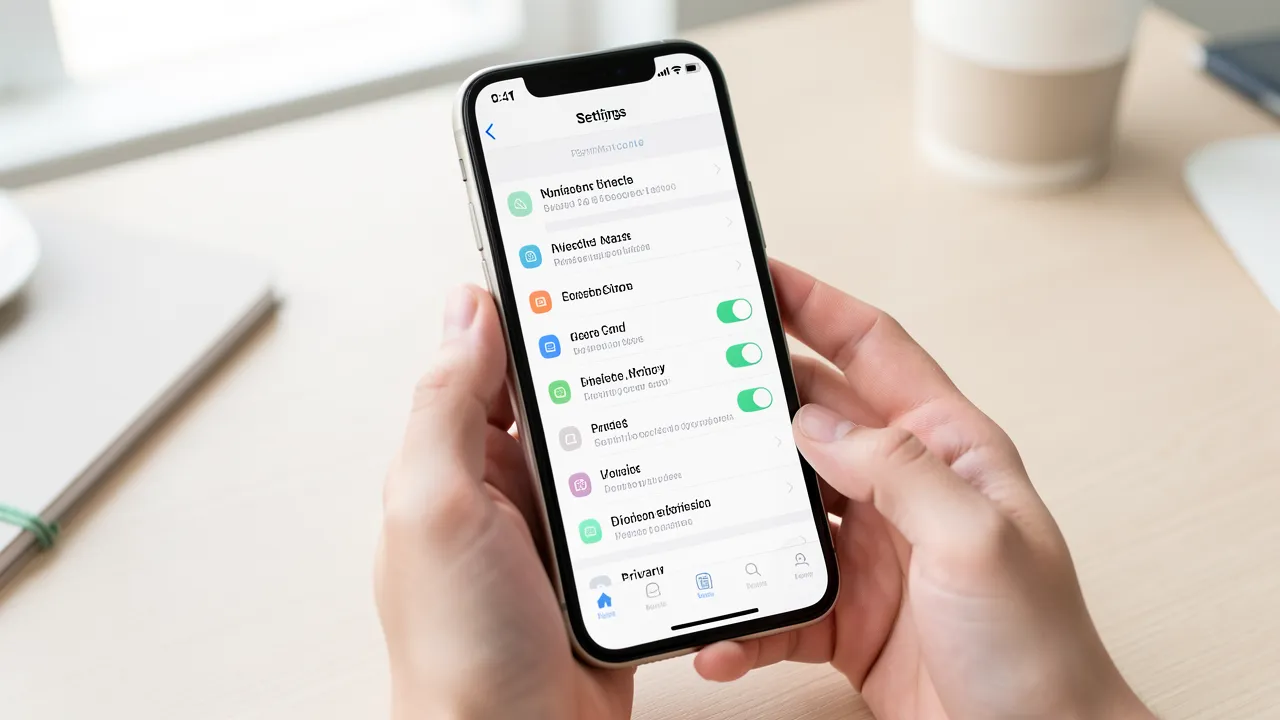
Apps often refresh content even when you are not using them. Email, social media, weather, and shopping apps are frequent offenders. Check which apps are allowed to run in the background and disable that permission for anything that does not need constant updates. Push notifications can also wake your phone repeatedly, so keep them only for services that truly matter.
Manage location and connectivity features
GPS, Bluetooth, hotspot mode, NFC, and automatic scanning can all consume power. You do not need to turn everything off permanently, but you should avoid leaving them active by habit. Set location access to “while using the app” when possible, and disable Bluetooth or hotspot sharing once you are done. If you frequently use accessories such as scanners or printers, pairing them only when needed helps keep battery use under control. For device-selection planning, the article on How to choose the right scanner for home and office use can be helpful if you are trying to build a more efficient setup.
Charge your phone in a way that supports long-term battery health
Daily battery life matters, but long-term battery health matters too. The way you charge your phone can affect how quickly its maximum capacity declines over months and years.
Avoid extreme charging habits
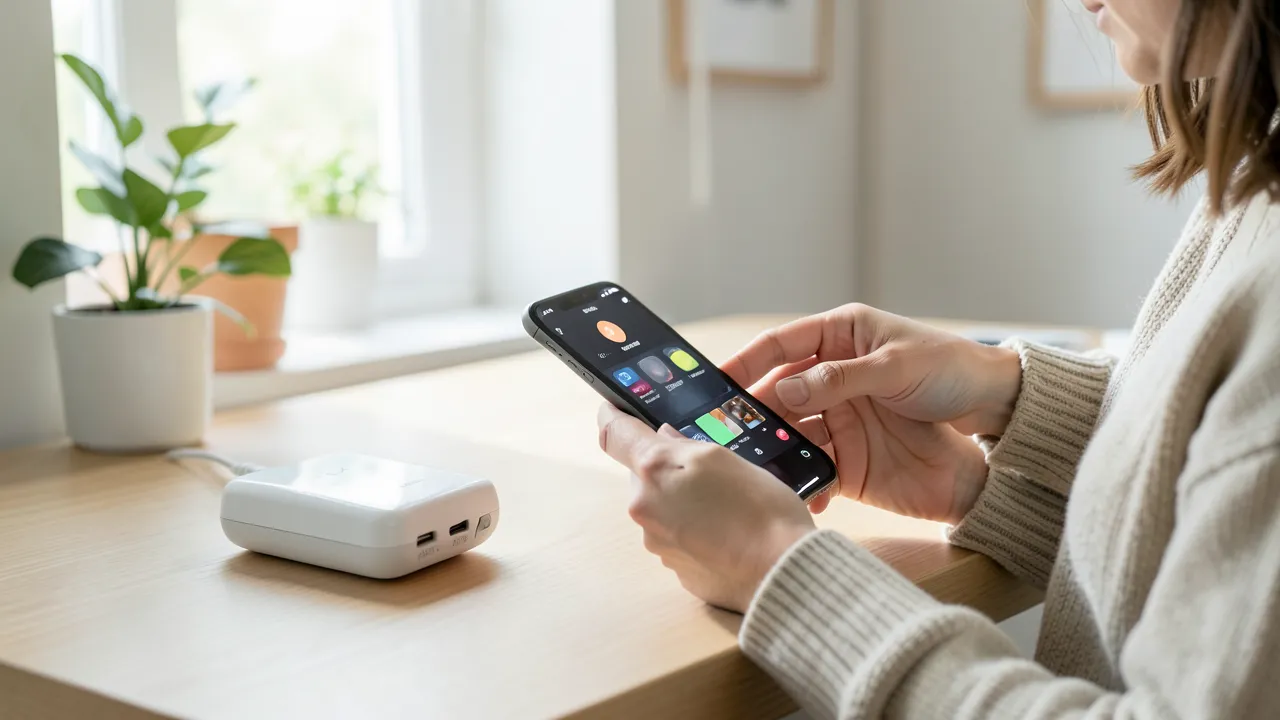
Frequent full discharges are harder on lithium-ion batteries than moderate use. Try to keep your battery between roughly 20% and 80% when practical. Overnight charging is not as damaging as it once was on older devices, but repeatedly keeping your phone at 100% for long periods can still add stress. If your device includes optimized charging or battery protection features, turn them on.
Watch temperature during charging
Heat is one of the fastest ways to wear down a battery. Charging your phone under a pillow, in direct sunlight, or inside a hot car can increase temperature beyond safe levels. Remove bulky cases if your phone tends to get warm while charging, and avoid gaming or video streaming during that time. Keeping the device cool can protect battery capacity over the long term.
Use app habits that make a real difference
A phone’s battery life is shaped not only by settings, but also by the way you interact with apps every day. Small behavioral changes can reduce unnecessary drain without making the phone less useful.
Stream less when battery is low
Video streaming, video calls, and constant social media refreshes consume more power than reading, messaging, or offline tasks. If your battery is running low, switch to lower-bandwidth activities until you can charge again. Downloading playlists, maps, and documents ahead of time is another simple way to reduce live power use.
Remove apps you do not use
Unused apps can still run updates, send notifications, and access data in the background. If you have not opened an app in months, uninstall it. On some phones, you can also “offload” apps or restrict their permissions without deleting them entirely. This not only saves battery but also improves storage and organization.
Keep your phone and apps updated
Software updates often include efficiency improvements, bug fixes, and better power management. While updates are not a miracle cure, they can address hidden battery drains caused by glitches or poorly optimized apps. Before updating, back up your data and make sure you are connected to Wi-Fi and a charger if the installation is large.
Check battery statistics regularly
Most modern phones include a battery usage screen that shows which apps and services use the most power. Review this list from time to time. If one app stands out without a clear reason, refresh its permissions, clear its cache if appropriate, or reinstall it. This kind of check helps you spot problems early instead of guessing.
Build a routine that fits your usage
The best battery-saving strategy is one you can actually maintain. You do not need to strip away every convenience; instead, focus on the settings and habits that match your daily pattern. If you use your phone heavily for work, prioritize screen brightness and background app control. If you travel often, pay more attention to signal strength, offline downloads, and charging temperature.
- Lower screen brightness and reduce timeout settings.
- Disable unnecessary background refresh, location access, and scanning.
- Keep the phone cool while charging and avoid heat exposure.
- Use battery optimization and software updates when available.
- Remove unused apps and review battery statistics regularly.
A few well-chosen changes can extend daily battery life noticeably and slow long-term wear at the same time. By paying attention to how your phone behaves, you can make it last longer between charges and remain more reliable over the months ahead.